

Overview of Feature
Roth Blueprint allows agents to send leads straight from the funnel into their CRM or Email system.
The general process works as follows;
Lead completes the funnel
Lead is placed into the Roth Blueprint backoffice
Roth Blueprint sends an POST event to the given url (typically zapier.com or make.com )
Zapier (or your platform of choice) then sends that data to your CRM or Email system.
How to Use
Note the following assumes zapier, but it's the same general process for make.com or n8n or any automation platform.
First login to Zapier and create a Zap
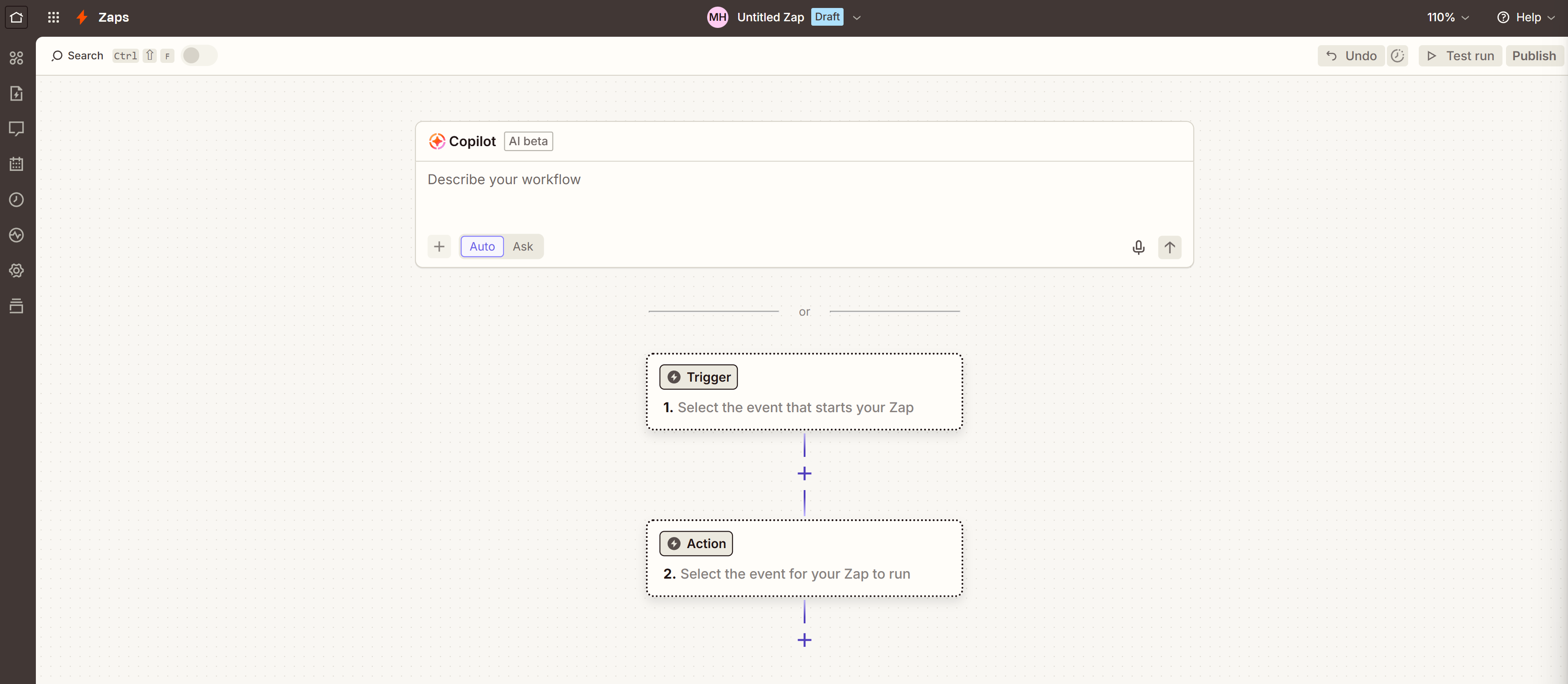
Click where it says Trigger
Click "Custom" then "Webhooks", Set the Trigger event to "Catch Hook", Click Next on the Configure, as you don't need to make any changes there.
On the final page, "Test", you'll get a URL, click copy on it
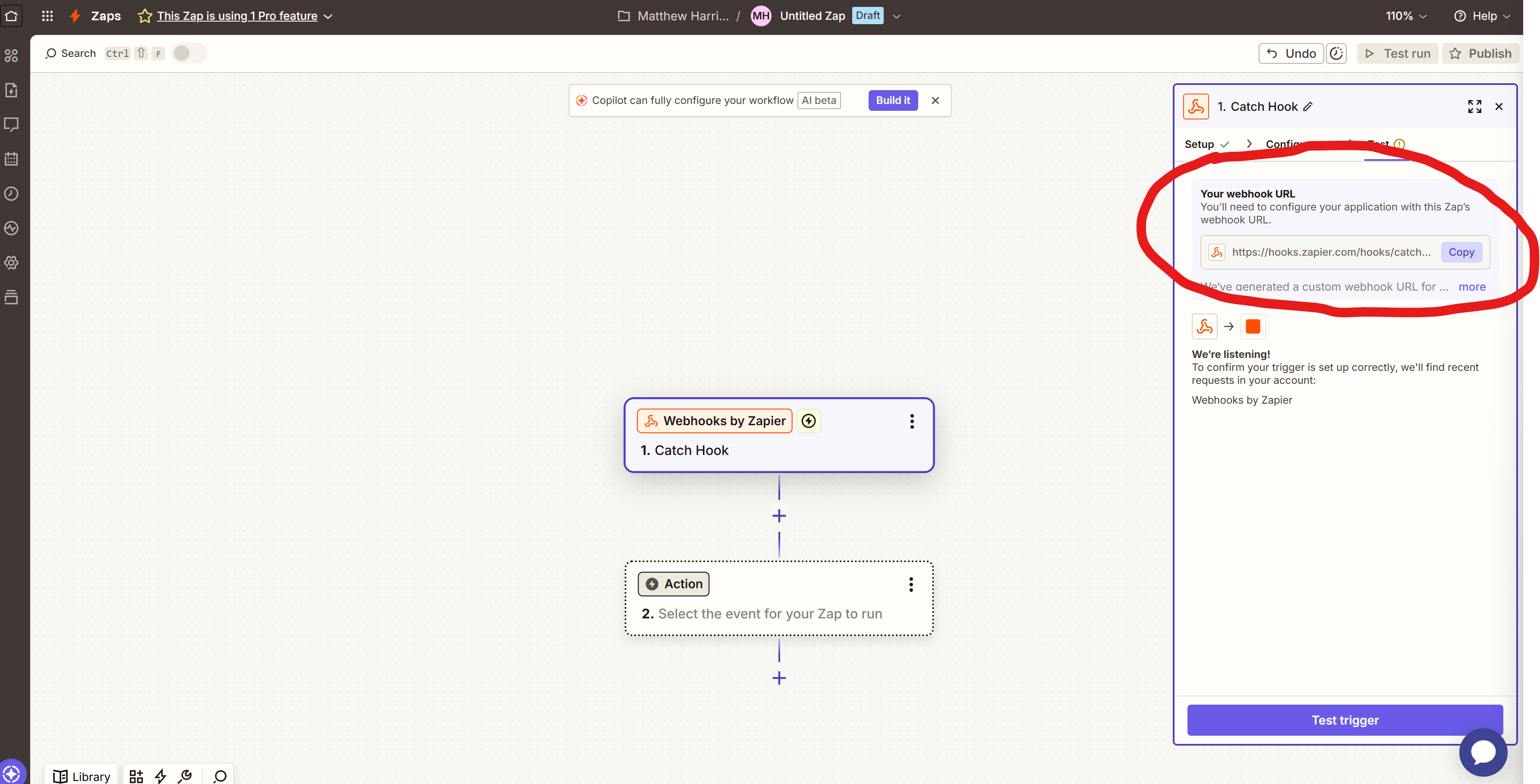
The url will look like this:
https://hooks.zapier.com/hooks/catch/225353/u8pyc2c/
In a New Tab, go to https://rothblueprint.com/accounts/funnel_management
Paste the URL into the Funnel Management Page
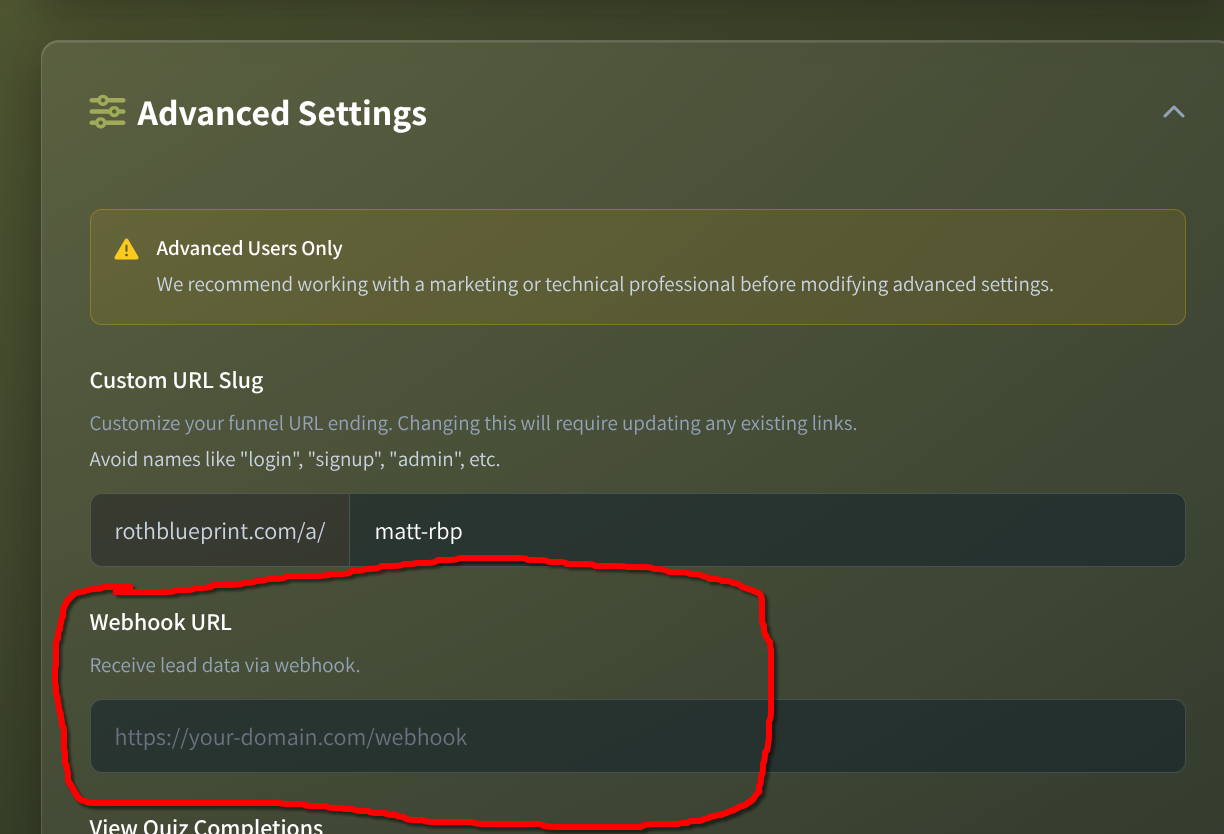
Click, "Save Settings".
You are now done "Done" with the Roth Blueprint side.
While we can't provide guidance on using Zapier, the next steps in general are:
You'll want to do the funnel yourself, (don't worry, you won't be charged if you do it from the browser, where you are logged in).
From there, Zapier will update showing you the fields (which at the time of writing should look like this)
{
"id": int,
"first_name": str,
"last_name": str,
"email": str,
"age": int,
"total_ira_assets": int,
"risk_tolerance": int,
"adjusted_gross_income": int,
"married": bool,
"created_at": str,
"has_appointment": bool,
"calendly_event_uuid": str,
"utm_source": str,
"utm_campaign": str,
"utm_medium": str,
"utm_content": str
}
From there, you'll need to connect to your favorite app (or apps!).
If you are unable to get the webhook to show up on zapier, feel free to email hey@rothblueprint.com however please note, our support team can't help you with the second half of the process (ie setting up your crm and loading the results).
